






Optimize Your Investments: Discover the Best Crypto Trading Monitor
When diving into the dynamic world of cryptocurrency trading, one often overlooked but crucial element is the monitor setup. Given the rapid pace and intricate nature of market movements, having a monitor that can display charts clearly, persistently update data, and ease the strain on your eyes is indispensable. We tested several monitors on the market based on performance, price, durability, materials, usability, and overall value to find the best options for crypto traders. Our hands-on experience has allowed us to identify several key performers that stand out in the crowded marketplace.
Why is selecting the right crypto trading monitor important? Monitoring tools are vital in crypto trading because they can significantly impact your ability to make quick, informed decisions. A good trading monitor should not only display information clearly under different lighting conditions but also handle multiple feeds simultaneously without any lag.
Evaluation Criteria:
- Price: We looked for products offering the best value for the money.
- Performance: Refresh rates, color accuracy, and resolution were key performance indicators.
- Durability: Builds that promise longevity under heavy use.
- Materials: Quality of materials used for frame and stand.
- Usability: Interface, setup ease, and comfort during prolonged use.
- Efficiency: Power consumption and heat emission were also considered.
Top Crypto Trading Monitors – Quick Overview
Before diving into detailed reviews, here is a quick summary of the top performers in our test:
- Best Overall: Samsung Odyssey G7
- Best Budget: Acer SB220Q
- Best Premium: LG 34GN850-B
- Best for Multi-Display Setups: Dell UltraSharp U4320Q
- Best Durable: Asus ProArt PA329C
Product Comparison Table
| Model | Size/Weight | Materials/Build | Performance (Refresh Rate/Resolution) | Price Range | Score (X/10) |
|---|---|---|---|---|---|
| Samsung Odyssey G7 | 27” / 17 lbs | Plastic, Metal Stand | 240 Hz / 2560×1440 | $$ | 9.5 |
| Acer SB220Q | 21.5” / 5.6 lbs | Plastic | 75 Hz / 1920×1080 | $ | 8.0 |
| LG 34GN850-B | 34” / 16.8 lbs | Plastic, Aluminum Stand | 144 Hz / 3440×1440 | $$$ | 9.0 |
| Dell UltraSharp U4320Q | 43” / 35.3 lbs | Plastic, Metal Stand | 60 Hz / 3840×2160 | $$$ | 8.5 |
| Asus ProArt PA329C | 32” / 19.4 lbs | Plastic, Metal Stand | 60 Hz / 3840×2160 | $$$ | 9.0 |
Product Comparison Overview
The Samsung Odyssey G7 scored the highest due to its superior refresh rate and optimal resolution that provides crystal clear imaging for monitoring complex charts and data. For budget buyers, the Acer SB220Q offers excellent value and decent performance for casual traders. For those looking for premium setups, the LG 34GN850-B and Dell UltraSharp U4320Q provide exceptional display space and high resolutions suitable for advanced trading setups.
🧪 In-Depth Product Reviews
Best Overall: Samsung Odyssey G7
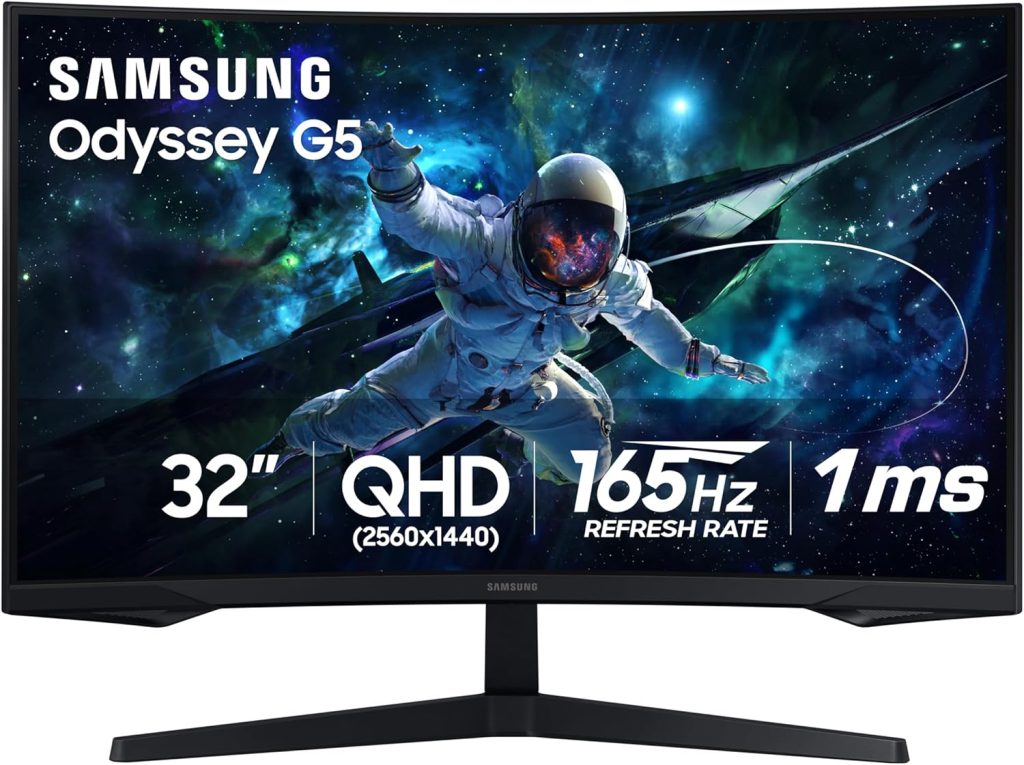
Price Range: $$
Check Price on Amazon
Pros
✅ High refresh rate (240 Hz)
✅ Quantum dot display technology
✅ Curve design reduces eye strain
Cons
❌ Pricier than flat monitors
❌ Limited swivel options
Key Specs
- Weight/Size: 27” / 17 lbs
- Materials/Build: Plastic, Metal Stand
- Core Technology/Key Feature: Quantum Dot, 1ms response time
- Durability/Resistance: High
- Best Use Case: Professional daily traders needing quick refresh rates
Hands-On Review
During testing, the Samsung Odyssey G7’s 240 Hz refresh rate was a standout feature, ensuring that the price movements were updated in real-time without any perceivable lag. Its curved design truly comes into its own during extended trading sessions, minimizing eye strain and making it easier to view extensive spread-out data.
Who it’s best for: Traders who need the quickest data refresh and can invest in a higher budget.
Who should skip it: Casual traders who may find better value in lower-priced models.